ABX
Blind listening test · Browser · Linux · Windows
Can you hear lossless from lossy? Find out with your own music.
ABX plays two versions of a track — say, FLAC and AAC at 256 kbps — and a hidden third one, X, that is one of them. You answer “Is X A or B?” for a fixed number of trials, then review the result and the evidence behind it.
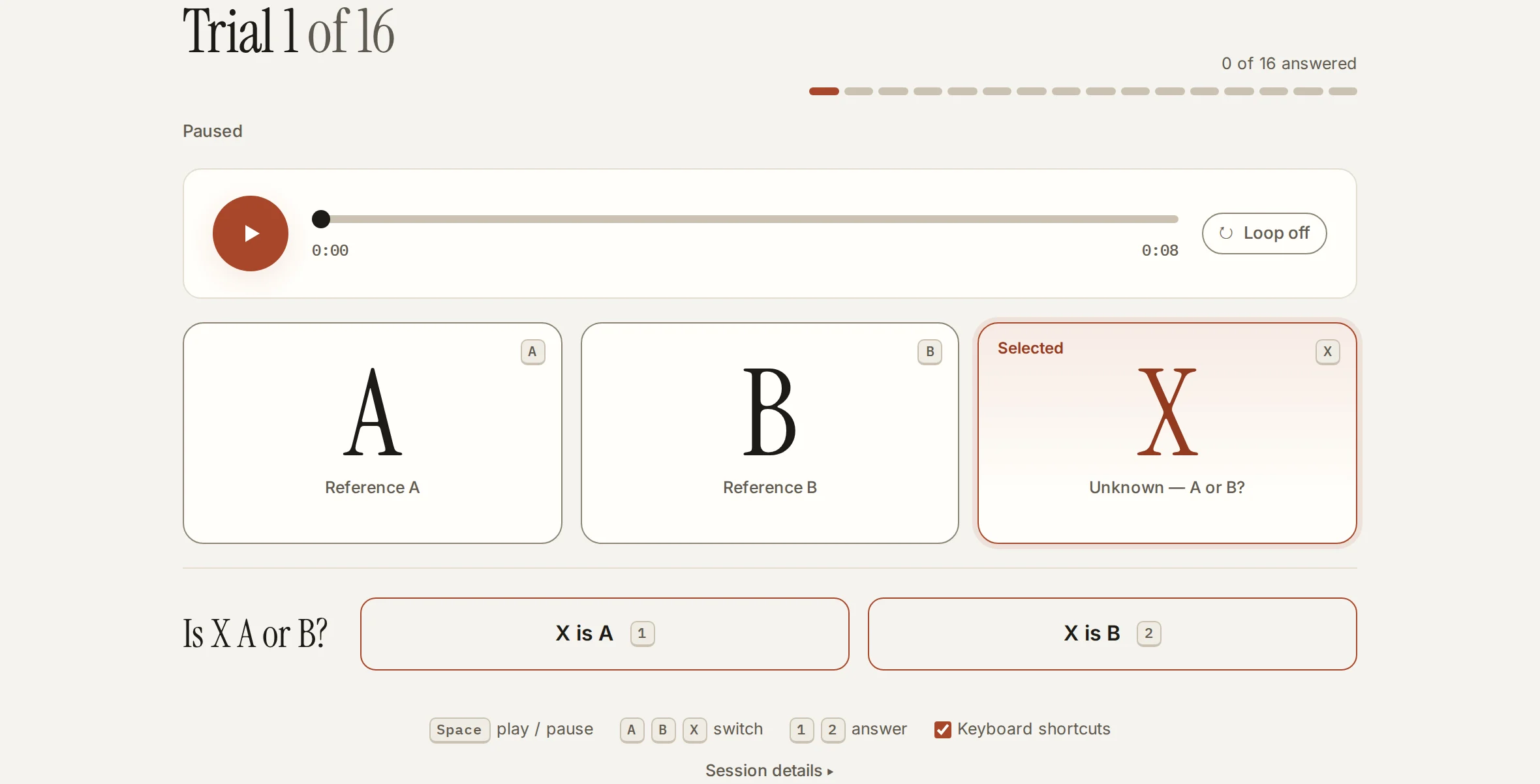
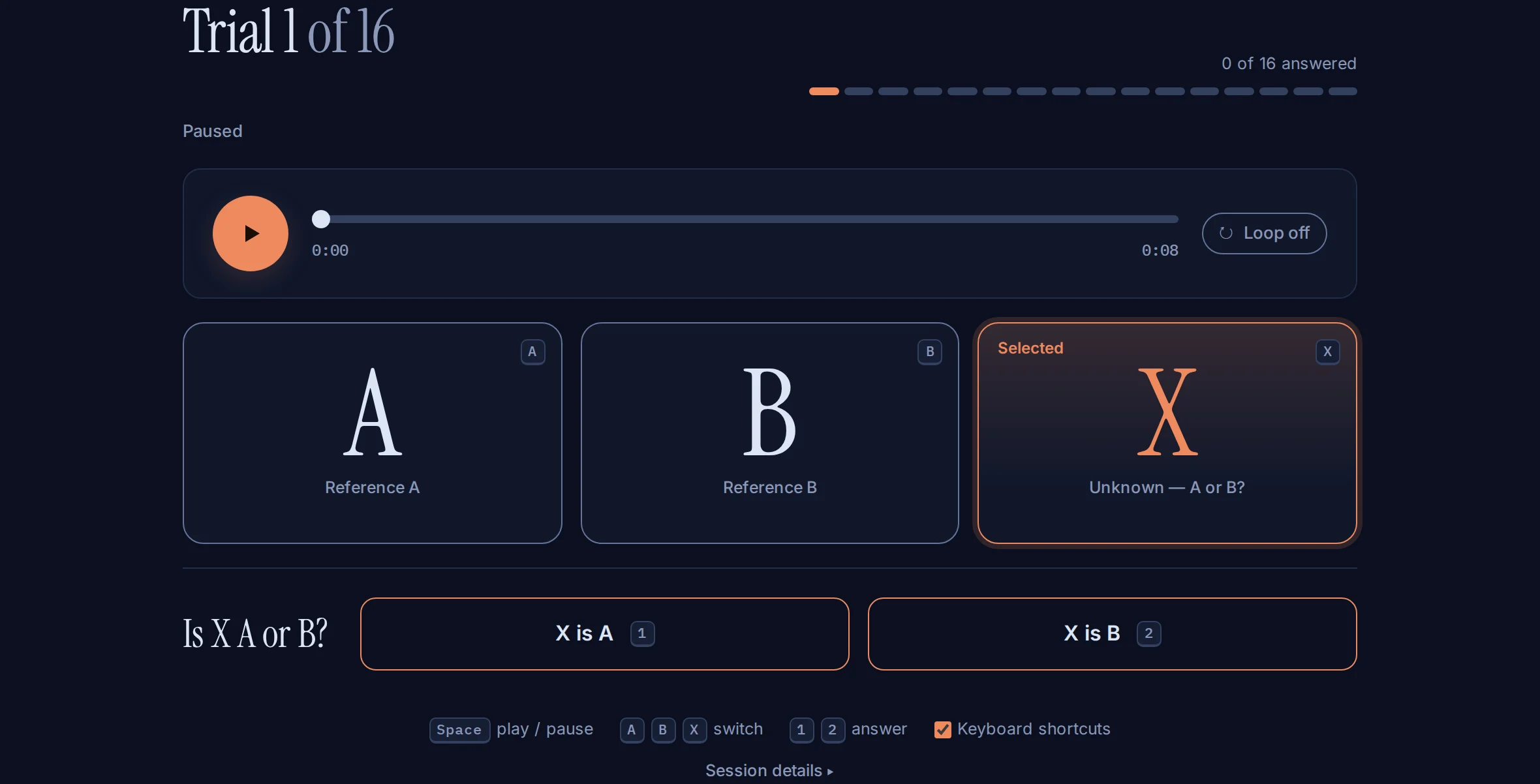
The real Listen view, captured from the browser demo with a generated test tone.
Less expectation. More listening.
Bring a track you know
Import a local audio file and pick a codec chain for side A and side B.
Prepare a fair comparison
Audivane aligns and level-matches the pair, checks the delivered audio and stages the first trial paused. You decide when to play.
Listen, choose, review
Answer “Is X A or B?” for each planned trial, then review the result and the evidence behind it.
Codecs include AAC, Opus, MP3, Ogg Vorbis and MP2, plus the Bluetooth codecs SBC, aptX, aptX HD, LC3 and LDAC; what is available depends on the build you run. Sources can be WAV, FLAC, MP3, M4A/MP4, AAC or Ogg/Opus up to 30 minutes. Formats and limits
Your audio stays on your device.
In the browser demo, import, preparation, playback and scoring run in your browser. The desktop app uses native codecs on your computer. There are no accounts, no uploads and no server-side processing.
Evidence, with its limits.
The number of trials is fixed before the test starts. Runs that end early stay visibly distinct from completed ones. Numerical checks confirm that the prepared audio is what Audivane says it is; they do not prove that a difference is audible or certify a codec. Your hardware, routing and listening conditions still matter.
- How blind ABX testing worksWhat an ABX test asks, why the labels stay hidden while you listen, and how Audivane keeps a codec comparison fair.
- Scientific policyHow Audivane prepares, verifies, blinds and scores a comparison — and precisely what its evidence does and does not establish.
- Audio formats and limitsAccepted file types, size and duration ceilings, sample-rate and channel policy, and what Audivane refuses rather than shortens.
- Release statusAudivane ABX 1.0.0 downloads, features and verification status.
- Licenses and third-party creditsWhich licenses cover Audivane's own code, the FFmpeg and codec libraries, the fonts and the desktop runtime.
Run a good test.
- Run your first ABX testA step-by-step walkthrough of a full comparison — import audio, configure two chains, prepare, listen blind, and read the evidence.
- Set up a fair listening testWhat you control around the app — output route, volume, room, material and expectations — so a result means something.
- Understanding your resultsFixed trial counts, guessing rates, binomial evidence, and the difference between a valid run and an audible difference.
Demo and downloads.
Audivane ABX 1.0.0 is available for Linux and Windows, with SHA-256 checksums, provenance and complete source with every release. Windows builds are unsigned. The browser demo runs the same app in your browser.